What to prepare
Everything you need to apply for your brand. All optional except your name, email, brand name, and brand slug — skipped fields inherit Coma's defaults.
Brand name + slug
Your brand's display name + a URL-friendly slug (e.g. 'danone'). Required.
Tagline / slogan
Short line under the wordmark (e.g. 'One Planet. One Health'). Skip → Coma's tagline.
Optional
Color palette
Primary, secondary, accent hex colors + a hero gradient. Skip → Coma's navy/amber/red palette.
Optional
Logo assets
URLs for your favicon, square logo mark, hero banner, email logo. Skip → text wordmark is used.
Optional
Mascot
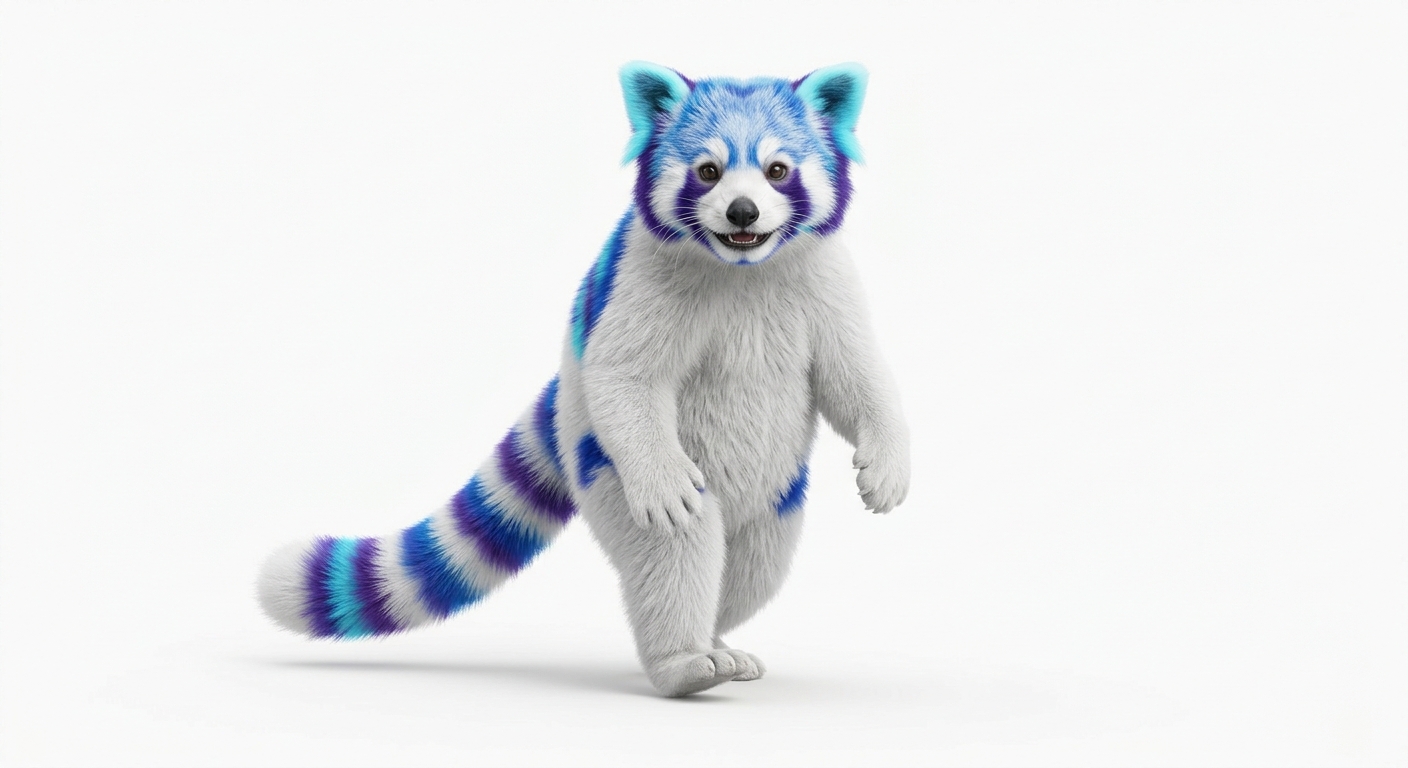
Optional character representing your brand (name + image URL + 1-sentence backstory). e.g. AIS has the falafel meerkat.
Optional
Brand book / style guide
Link to your full brand guidelines (PDF/DOC/Figma) — typography, logo usage, do/don'ts. Super Admin references this when provisioning.
Optional
Login page copy
Eyebrow, H1 headline template, subtitle, form heading, footer credit. Skip → Coma's templates with your brand name interpolated.
Optional
Email config
From: name (e.g. 'Danone <noreply@danone.com>') + contact email. Skip → Coma's defaults (coma@massapro.com).
Optional
Launch plan
Target launch date + first chapter's city + country. Helps us plan your onboarding.
Optional
What you get
Every brand on Coma gets its own isolated instance of these surfaces — configured by your branding, not shared with other brands.
Custom login page
Your brand's hero banner, colors, mascot, tagline, and login copy on /login?brand=<your-slug>.
Branded emails
Transactional emails (password reset, RSVP confirmations, onboarding) sent with your From name + colors.
Chapter landing pages
Public /c/<your-chapter> pages with your brand's header logo + colors. One per city.
Event pages + RSVPs
Per-event pages with your branding, RSVP flow, check-in codes, photo galleries.
Member directory
Members-only directory scoped to your brand's chapters. Cross-brand isolation enforced.
Knowledge base
Per-brand knowledge docs (Branding, Marketing, Event Mgmt, Sponsorship, Governance) — Super Admin editable per brand.
Mockups hub
Speaker intro, agenda, event profile, QR salon mockups — your brand's assets + colors per mockup.
Brand-switch tabs
Super Admin can switch between brands in /admin/images, /admin/email, /admin/knowledge-base, /admin/mockups — each brand's content isolated.
How the process works
From application to launch, in four steps. Typical turnaround: 2 business days from application to provisioned brand.
- 1
Sign in or create an account
Click 'Apply now' → sign in with Google or email + password. Your account is what we use to identify you as the brand lead.
- 2
Fill the application form
~10 minutes. Enter your brand name, slug, colors, logo URLs, mascot, brand book URL, login copy, launch plan. Everything except name + slug is optional.
- 3
We review your application
Super Admin reviews within 2 business days. We may reach out via email with clarifying questions or suggested edits.
- 4
Your brand goes live
We provision your Brand row with your branding (Coma defaults for anything you skipped). You get admin access + your first chapter landing page. Launch.
Communities already on Coma
2 brands running on the platform today.
Empowering AI Connections
Programmatic communities
Ready to bring your community?
Apply now — the form takes ~10 minutes. You can save and come back to it later. We review applications within 2 business days.
Apply now →